When Android Jelly Bean launched in 2012, it didn’t try to be flashy — it just made everything feel better. Phones became smoother, faster, and more thoughtful without needing new hardware. It was the first time Android felt built around people instead of specs. The interface stopped lagging, the system started predicting what you needed, and notifications became tools, not just alerts. Jelly Bean wasn’t just another version — it was a turning point. It quietly reshaped what users expected from their phones, and its influence still shapes how modern mobile operating systems are built.
5 Ways Jelly Bean Changed What We Expect From Smartphones
Project Butter: Setting a New Standard for Smoothness
Before Jelly Bean, Android devices had a reputation for being slightly sluggish compared to their main competitor. Animations stuttered, touch responses lagged, and users often described the experience as “jumpy.” Google took this criticism seriously and introduced Project Butter, an internal push to make the interface silky smooth.
By increasing the system frame rate to 60 frames per second and synchronizing touch input with display refresh cycles, Project Butter made Android feel fluid for the first time. Every swipe, scroll, and animation felt responsive and natural. This wasn’t just a cosmetic improvement — it changed user expectations across the industry. From that point forward, fluid motion became a core demand for all mobile operating systems. Competitors had to match that responsiveness to remain relevant.
The effect was long-lasting. Even years later, modern Android versions continue to build upon the same foundation set by Project Butter. It turned performance from a hardware issue into a software promise.
Google Now: Introducing Predictive Intelligence
Jelly Bean marked the birth of Google Now, an early version of what we now know as Google Assistant. This was one of the first attempts at bringing real contextual awareness to a phone. Instead of waiting for users to ask questions, Google Now proactively offered helpful information — weather forecasts before you left home, travel updates based on your calendar, and sports scores for teams you followed.
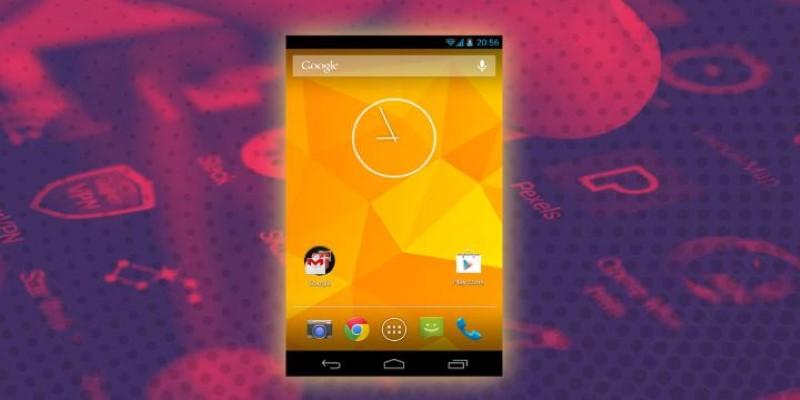
At the time, this felt almost futuristic. It was an early form of digital intuition — your phone understanding you well enough to offer useful insights without being prompted. That concept of predictive intelligence soon became a defining feature not just of Android, but of mobile operating systems in general. Apple, Samsung, and others followed with their own versions of proactive assistants, recognizing how central contextual awareness was to the mobile experience.
What made Google Now revolutionary was its simplicity. The interface wasn’t cluttered; it presented information as “cards” that users could swipe through. It set a visual and functional tone that shaped how digital assistants evolved — subtle, data-driven, and quietly helpful.
Richer Notifications: Turning Alerts into Actions
Jelly Bean completely redefined what mobile notifications could do. Until then, notifications were mostly static — a preview or reminder that led you elsewhere. Jelly Bean changed this by making them interactive. Users could expand them, reply directly, or control apps without opening them.
For example, you could read the first few lines of an email, archive it, or even share an image straight from the notification shade. This idea — that notifications could act as miniature app windows — turned out to be one of the most influential shifts in mobile design. It made multitasking easier, reduced friction, and gave users control from anywhere in the interface.
This innovation didn’t stay exclusive to Android for long. Competing systems began adopting interactive notifications, recognizing their value in saving time and keeping users engaged. Today, whether you swipe down on an iPhone or long-press a notification on a modern Android device, you’re seeing echoes of Jelly Bean’s design philosophy. It was the first major step toward treating notifications not as interruptions, but as extensions of daily workflow.
Accessibility and Customization: A Friendlier Experience for Everyone
Another way Android Jelly Bean helped define mobile operating systems was through its focus on accessibility and personalization. While earlier versions of Android had customization options, Jelly Bean balanced them with better usability for everyone, including users with disabilities.
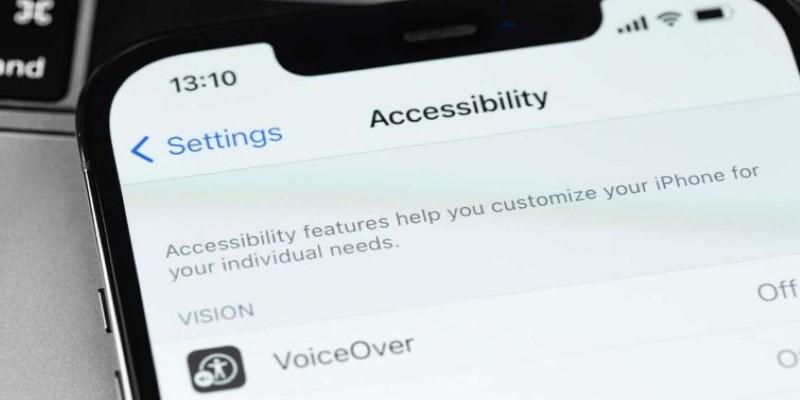
It introduced gesture-based screen reading, improved text-to-speech, and more intuitive touch exploration for visually impaired users. These features weren’t just about compliance — they reflected a growing belief that technology should adapt to the user, not the other way around.
Jelly Bean also refined customization through widgets and lock-screen controls, allowing users to interact with music or messages without unlocking the device. This mix of accessibility and freedom gave Android its identity — open, flexible, and inclusive.
This version’s design choices inspired later mobile operating systems to think about accessibility not as an optional setting but as a core part of design. Voice assistants, larger touch targets, and adaptive color modes all owe something to the groundwork laid during Jelly Bean’s era.
Unified Experience Across Devices
Before Jelly Bean, Android’s biggest weakness was fragmentation — different devices ran different versions, each with varying performance. Jelly Bean began to unify this experience. Google optimized it to run smoothly on both high-end and budget hardware, helping create consistency across phones and tablets.
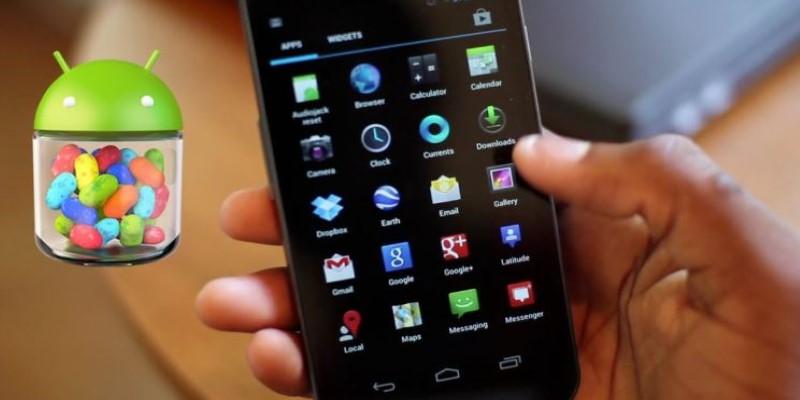
It was also the version that helped standardize Google Play Services, a framework that allowed Google to update key features and apps independently of the system. That meant users could enjoy new capabilities without waiting for a full OS update, which was a huge step forward. This approach shaped how mobile operating systems evolved: decoupling core apps from system updates became a norm, improving both speed and security of development.
By aligning devices under one smoother, unified experience, Jelly Bean helped Android transition from a fragmented ecosystem into a cohesive platform. It didn’t eliminate the issue completely, but it showed the path toward consistency that later versions like Lollipop and Marshmallow would follow.
Conclusion
Android Jelly Bean didn’t reinvent smartphones — it improved them where it counted. With smoother performance, smarter notifications, and Google Now, it helped define what people now expect from mobile operating systems. It marked the point where Android matured, focusing on doing things right rather than just adding features. The changes were subtle, not showy, but lasting. Jelly Bean quietly shaped a smartphone experience that millions still rely on every day.